Fortigate Firewall Automation - Hands-On Labs
Learn Fortigate firewall automation with hands-on labs using FortiOS API, XML, Python, and Ansible. Build real-world automation skills.
in FortiGate
Created by
Deepak Sharma
Last Updated: May/2026
Language: English
24:00 Hours
Last Updated: May/2026
Language: English
Duration: 24:00 Hours
What you will learn?
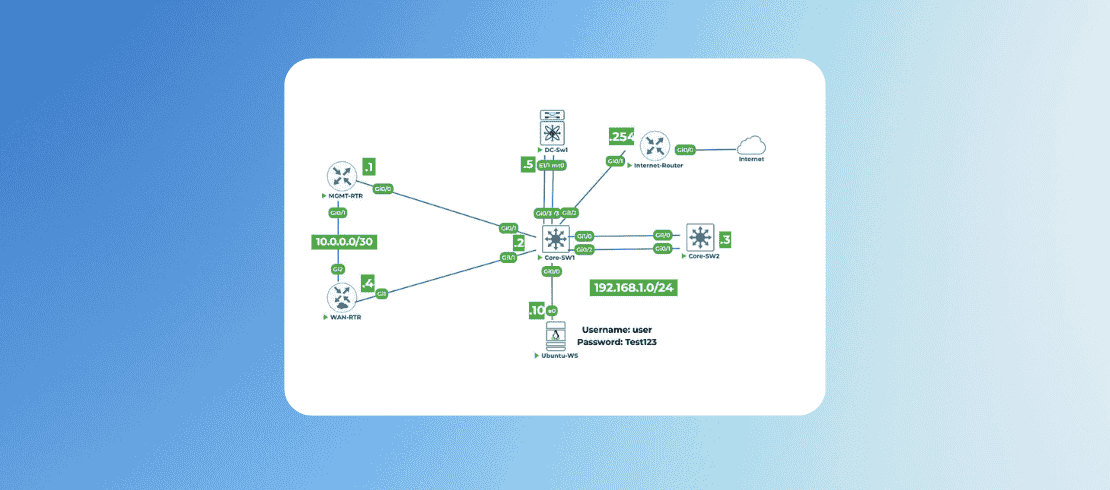
Set up automation lab environment with Ubuntu management and two FortiGate firewalls.
Master REST API fundamentals using curl to perform GET, POST, PUT, and DELETE operations.
Write Python scripts from scratch to automate FortiGate configuration tasks with error handling.
Build Ansible playbooks to manage multiple firewalls using inventory files and variables.
Troubleshoot automation failures and revert changes using Git version control.
Apply real-world automation skills combining API calls, Python scripting, and Ansible for firewall management.
About this course
This hands-on lab course represents a carefully crafted journey from zero automation knowledge to practical confidence. It is designed specifically for individuals who have never written a line of Python or touched an Ansible playbook before.
Every concept is introduced through hands-on application rather than abstract theory. You will build your skills incrementally, starting with simple command-line tools before progressing to scripting and finally multi-device orchestration.
If you have any question or concern, please contact our learning advisor.
The instructor's approach focuses on understanding why each step matters, not just how to execute it. You will learn to think like an automation engineer while working in a forgiving lab environment designed for experimentation.
Real-world troubleshooting and version control are integrated throughout the material. These skills transform students from passive learners into engineers capable of solving problems independently when things inevitably go wrong.
By the end of this lab course, automation will feel like a natural extension of your firewall management toolkit rather than a mysterious black box reserved for programmers.
Requirements
Basic understanding of networking concepts including routing, switching, and TCP/IP protocols.
Familiarity with the configuration of FortiGate firewall via CLI and GUI.
Prerequisites

Similar Courses
.png)


FAQ
How long will it take to complete the entire lab course?
Most students complete the hands-on lab course in appx 40 hours. The self-paced format lets you learn at your own speed.
Will I be ready for real-world automation after this lab course?
Yes! By the end, you'll have built production-ready tools for configuration management, monitoring, backup/restore, and threat intelligence integration.
What version of FORTIOS is used in the lab?
The lab uses FORTIOS version 7.x
What if I get stuck on a lab?
The lab course is designed to be self-explanatory with step-by-step instructions. Alternatively you can book instructors time for one to one session. Though this is a paid service.
How to access the lab?
Login to www.uninets.com and check your purchased lab course, click on it. A learning page will open in another tab where you'll have your lab guide. Here you need to click on GO TO LAB option buy to access your lab topology.
How to extend lab duration and lab validity?
On the lab course learning page when you click on GO TO LAB, there will be a popup where you see an option for lab hours and lab validity extension. Once you paid for the required amount, your additional lab hours and validity days will be added in your lab.
How to get lab support?
Email support@uninets.com (Level 1), or escalate via phone/WhatsApp at +91 8527916751 (Level 2) or at +91 9818239009 (Level 3 for corporate only), with standard support available Mon-Sat 10am-7pm IST and 24x7 corporate support.
Comments (0)
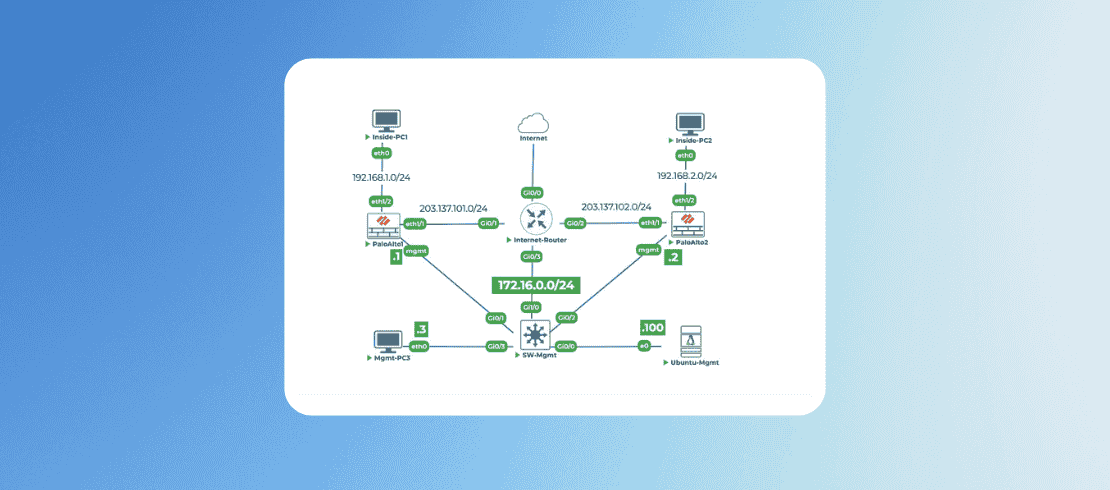
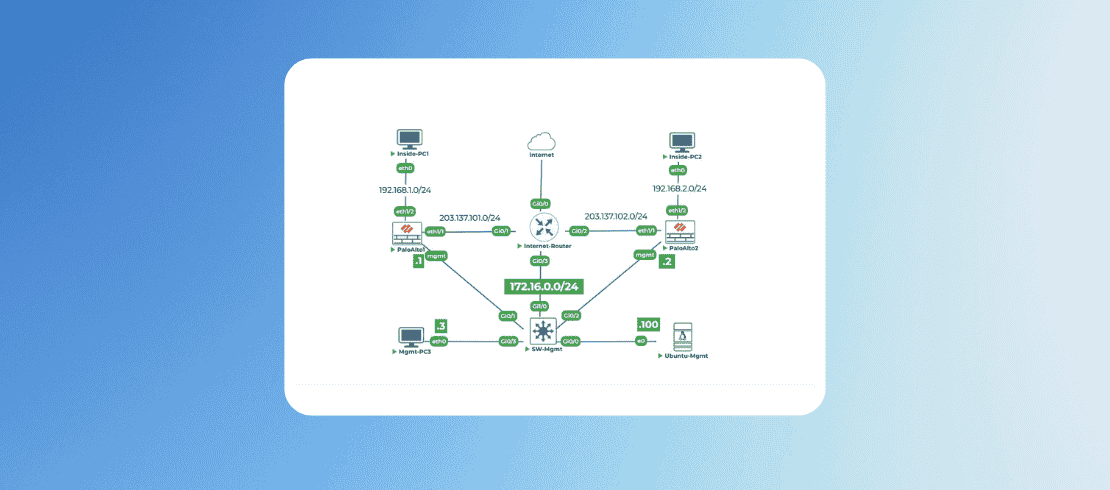
Lab Support Guidelines and Network Topology Details
2 Parts
- 0:10 Hr
Lab 1: Powering On Devices and Accessing Consoles
1 Parts
- 1:00 Hr
Initial configurations on topology devices
60 Min
Attachments:
Lab 2: Initial Configuration of Ubuntu-Mgmt
1 Parts
- 0:30 Hr
Configuring and Verifying IP Connectivity on Ubuntu-Mgmt
30 Min
Attachments:
Lab 3: Basic Fortigate Initial Configuration
1 Parts
- 0:30 Hr
Fortigate factory reset and initialize basic configurations
30 Min
Attachments:
Lab 4: Configuring Management Access on Fortigates
1 Parts
- 0:30 Hr
Assigning IP to Management Interfaces of Fortigate firewalls
30 Min
Attachments:
Lab 5: Setting Up the Automation Environment on Ubuntu-Mgmt
1 Parts
- 0:45 Hr
Install Python and Ansible Packages
Install Python and Ansible Packages on Ubuntu-Mgmt
45 Min
Attachments:
Lab 6: Enabling and Understanding REST API on FortiGate
1 Parts
- 0:30 Hr
REST API Automation on FortiGate
Creating REST API admin for Automation on FortiGate
30 Min
Attachments:
Lab 7: Your First API Call (GET) using cURL
1 Parts
- 0:30 Hr
FortiGate API call using cURL
Your first FortiGate API call using cURL
30 Min
Attachments:
Lab 8: Your First Configuration via API (POST) using cURL
1 Parts
- 0:45 Hr
Construct and Execute cURL Commands
First configuration on FortiGate via API using cURL
45 Min
Attachments:
Lab 9: Modifying Configuration via API (PUT) using cURL
1 Parts
- 0:15 Hr
Construct a curl PUT command
Construct a curl PUT command for modifying the configuration
15 Min
Attachments:
Lab 10: Deleting Configuration via API (DELETE) using cURL
1 Parts
- 0:20 Hr
Construct and execute a curl DELETE command.
Construct and execute a curl DELETE command.
20 Min
Attachments:
Lab 11: Python Scripting for Automation
1 Parts
- 0:30 Hr
Your First Python Script for FortiGate
Your First Python Script for FortiGate Firewall
30 Min
Attachments:
Lab 12: Python Script to Make an API Call (GET)
1 Parts
- 0:30 Hr
API call using Python Script
API call using Python Script
30 Min
Attachments:
Lab 13: Python Script to Create Configuration (POST)
1 Parts
- 0:30 Hr
Configuring Objects on FortiGate via Python API
Configuring Objects on FortiGate via Python API
30 Min
Attachments:
Lab 14: Python Script to Delete Configuration (DELETE)
1 Parts
- 0:30 Hr
Delete Configuration Using Python Script
Delete Configuration Using Python Script
30 Min
Attachments:
Lab 15: Python Script with User Input
1 Parts
- 0:30 Hr
Creating Python Script with User Input
Creating Python Script with User Input
30 Min
Attachments:
Lab 16: Ansible for FortiGate Automation
1 Parts
- 0:15 Hr
Ansible Inventory Files, Groups and Variables
Ansible Inventory Files, Groups and Variables
15 Min
Attachments:
Lab 17: Your First Ansible Playbook (Ping)
1 Parts
- 0:30 Hr
Install Ansible Collection and Create Playbook
Install Ansible Collection and Create Playbook
30 Min
Attachments:
Lab 18: Ansible Playbook to Create Address Objects
1 Parts
- 0:15 Hr
Configuring Address Objects Using Ansible
Configuring Address Objects Using Ansible
15 Min
Attachments:
Lab 19: Ansible Playbook with Variables
1 Parts
- 0:30 Hr
Create a new playbook that uses the variables
Create a new playbook that uses the variables
30 Min
Attachments:
Lab 20: Ansible Playbook to Configure Interfaces and Gateway
1 Parts
- 0:30 Hr
Configuring Interfaces and Gateway Using Ansible
Configuring Interfaces and Gateway Using Ansible
30 Min
Attachments:
Lab 21: Ansible Playbook to Create a Firewall Policy
1 Parts
- 0:30 Hr
Write the playbook with policy configuration.
Write the playbook with policy configuration.
30 Min
Attachments:
Lab 22: Version Control with GIT & Troubleshooting
1 Parts
- 0:30 Hr
Introduction to Git for Version Control
Introduction to Git for Version Control
30 Min
Attachments:

4.75
1 Reviews